

Tallymile
Every business mile, logged on its own.
Tallymile records your drives in the background, shows what each one is worth at the official IRS rate, and turns a year of trips into a report ready for your taxes.
- One-time purchase
- Data stays on your devices
How it works
- 01
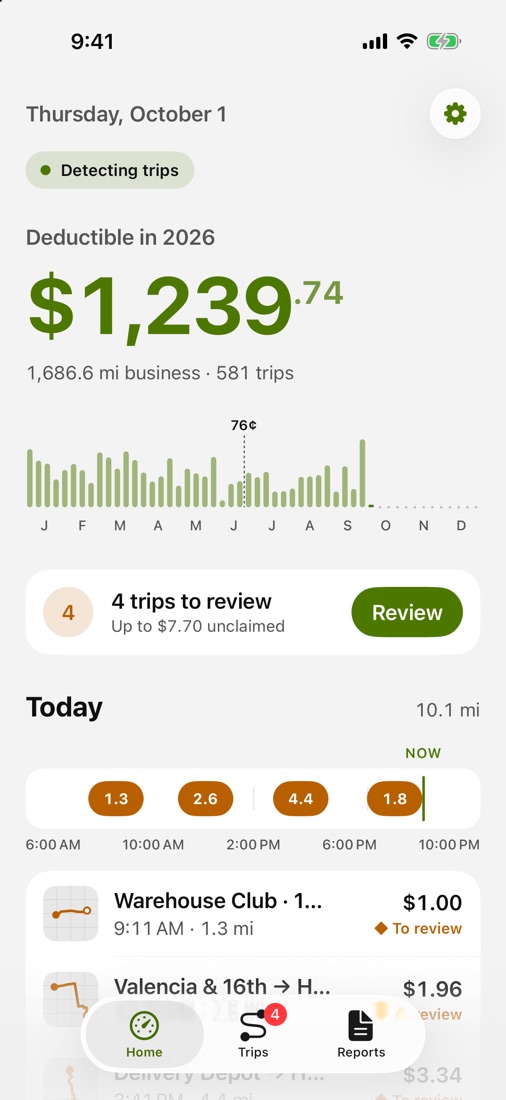
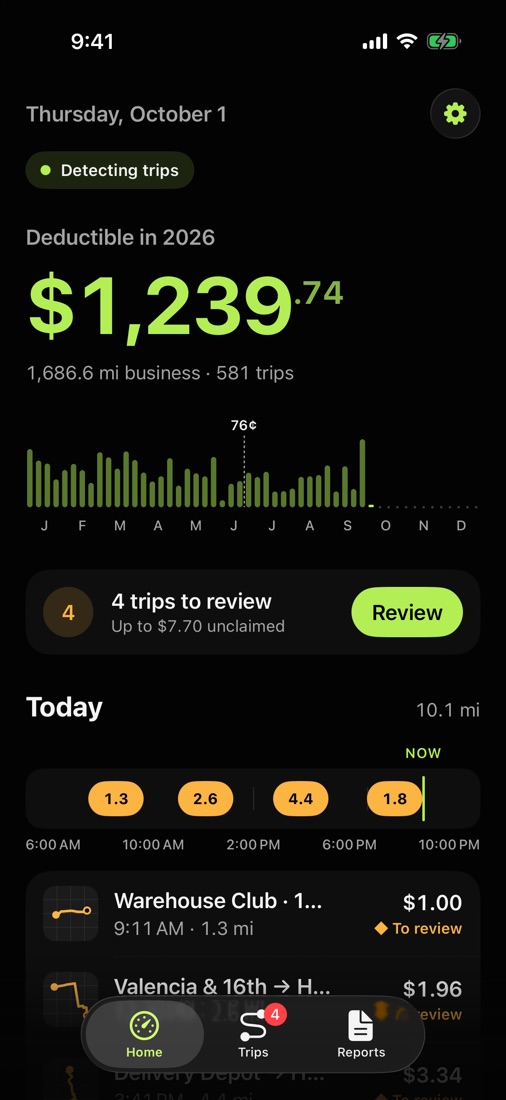
Logs every drive on its own
The motion sensor notices when you start driving and GPS only turns on for the trip. Your year adds up while your iPhone stays in your pocket.
- Easy on the battery: GPS only while you drive
- Works with the app closed
- Your deduction for the year at a glance
- 02
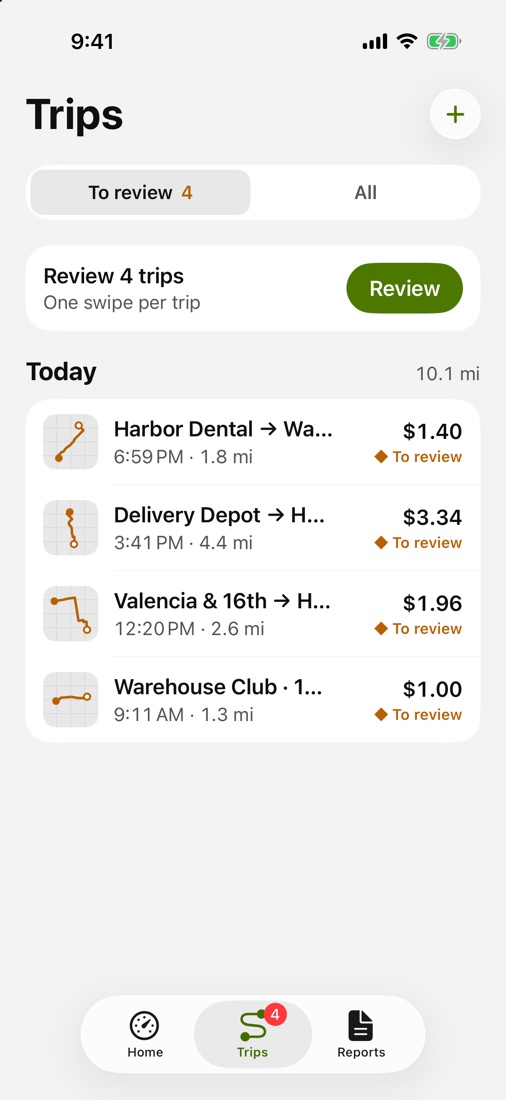
One swipe per trip
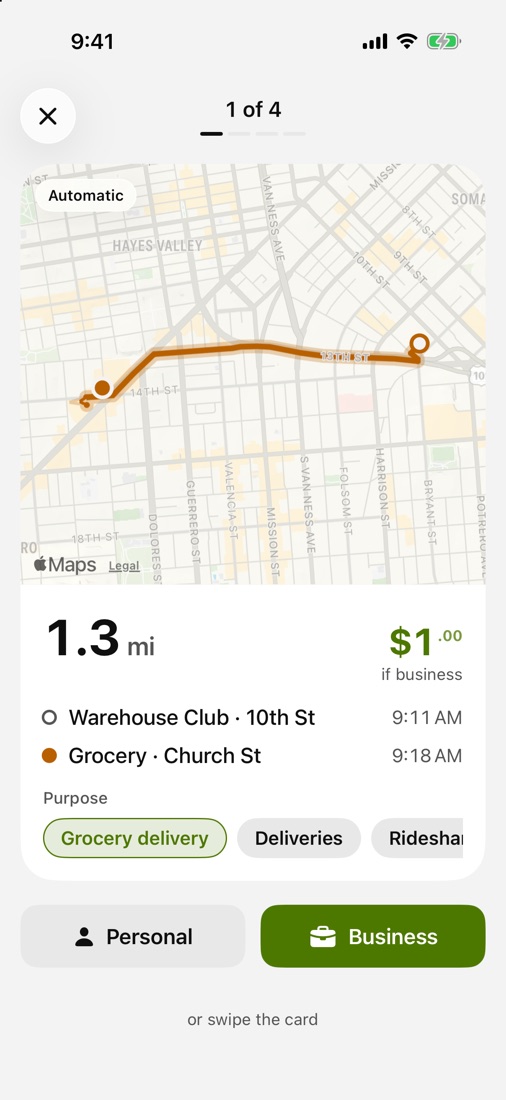
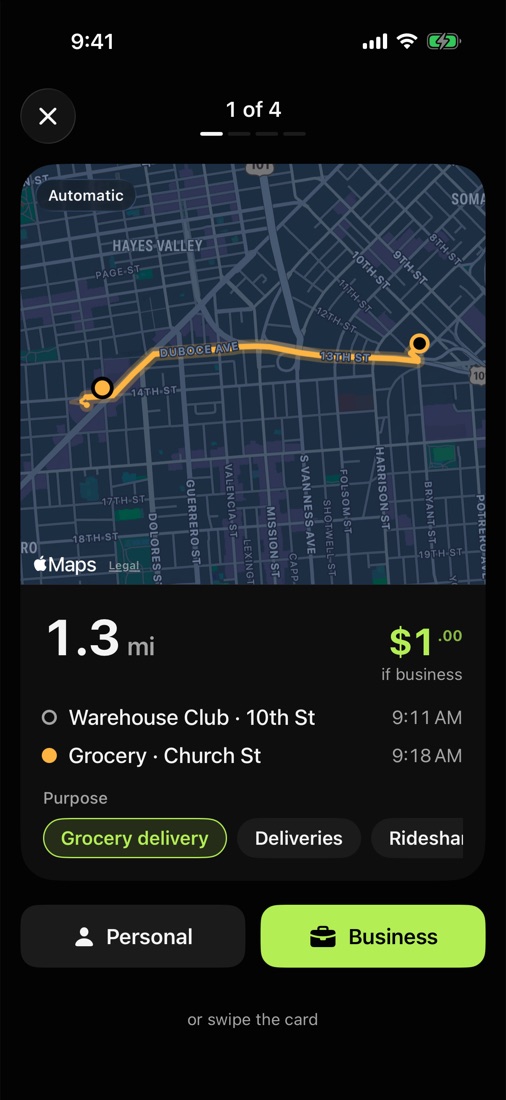
Business or personal, a swipe decides. Tallymile shows what each trip is worth before you choose.
- Business or personal in a second
- See what each trip is worth before you choose
- Pending trips wait for you in one list
- 03
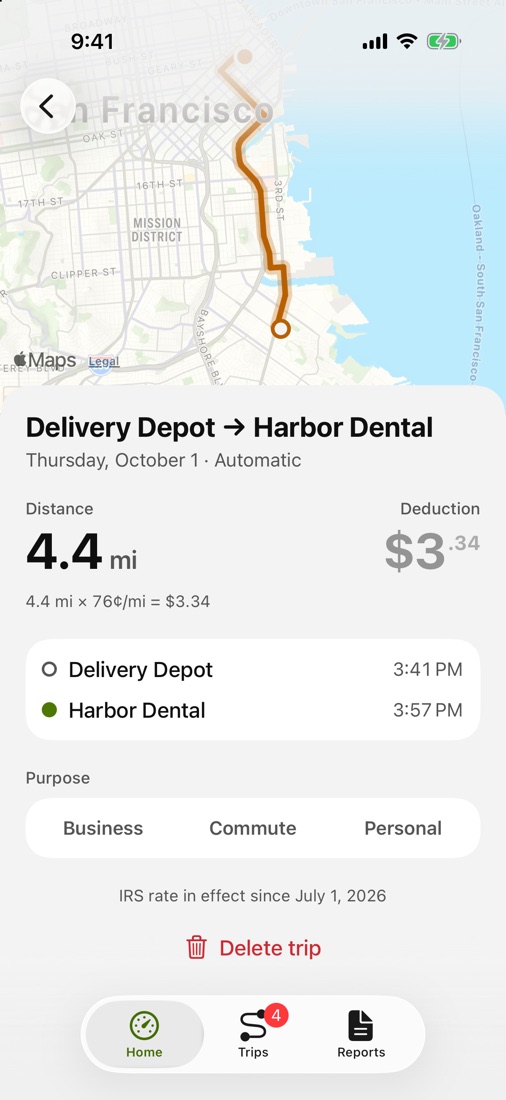
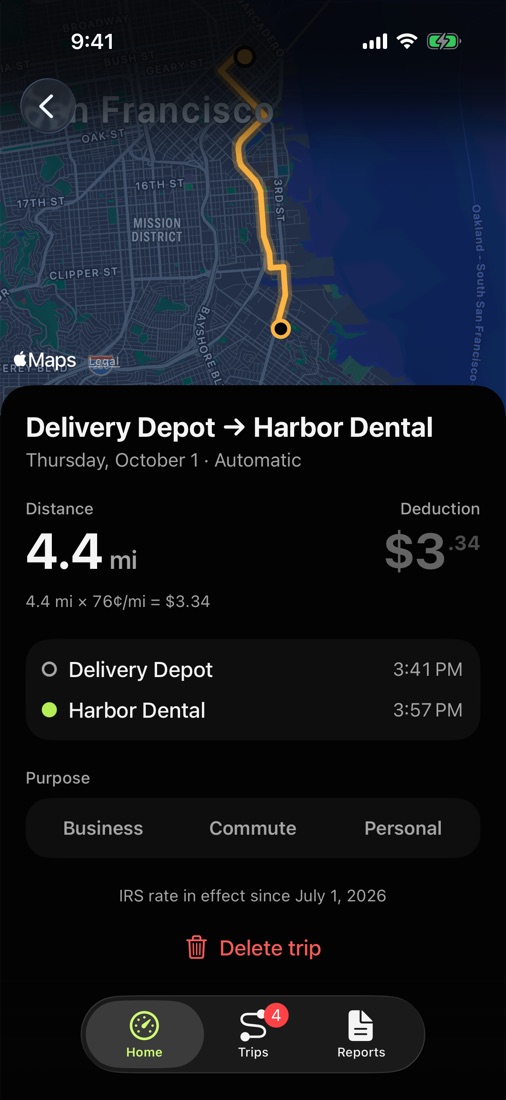
The right IRS rate for every date
Every trip uses the standard mileage rate in effect that day, read from irs.gov, with the route on the map.
- The right rate even if it changes mid-year
- Route and stops on the map
- Add a purpose to each trip
- 04
Starts with your car
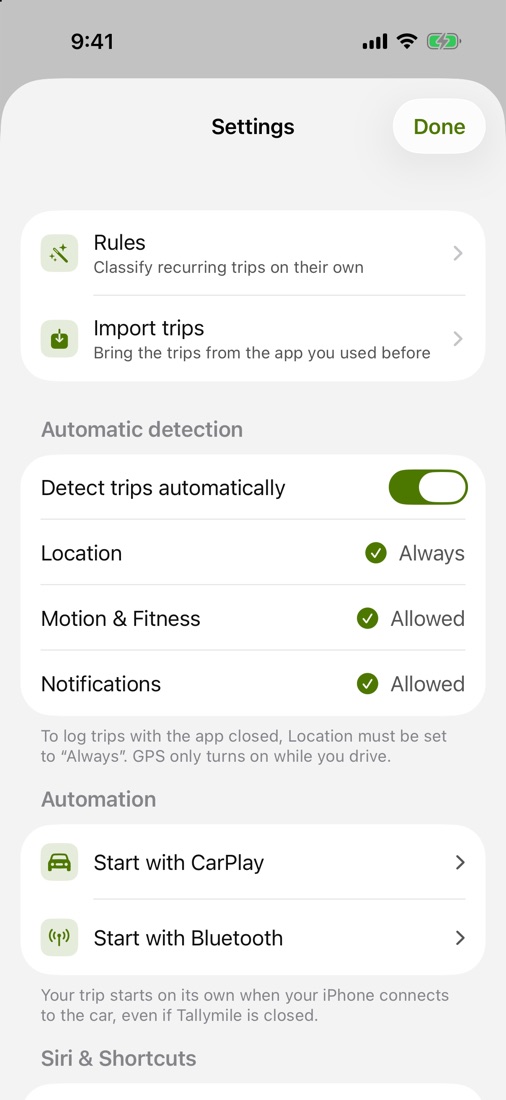
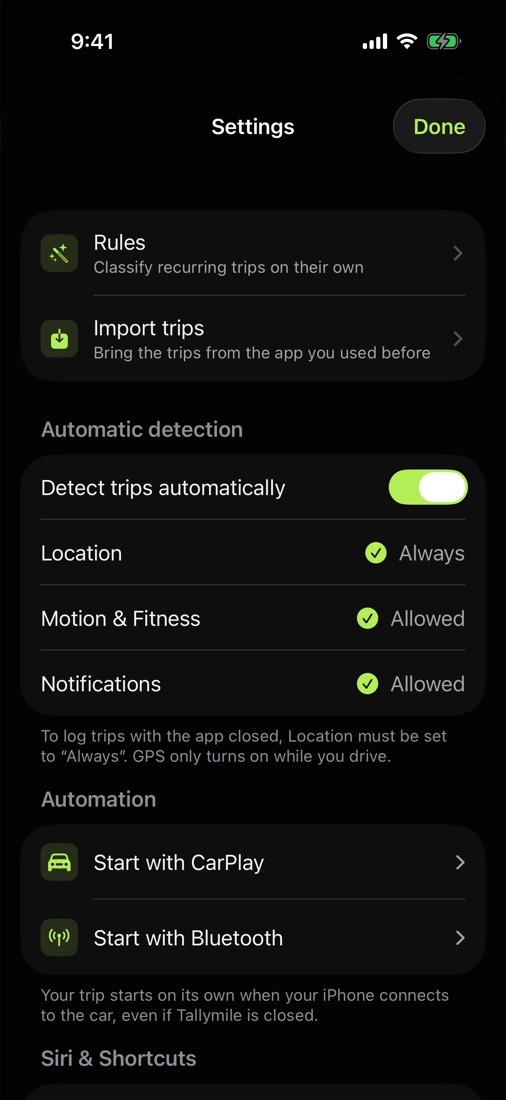
Connect CarPlay or your car's Bluetooth and the trip starts on its own, even with the app closed.
- CarPlay or your car's Bluetooth
- Set it up once from Settings
- Nothing to tap before you drive
- 05
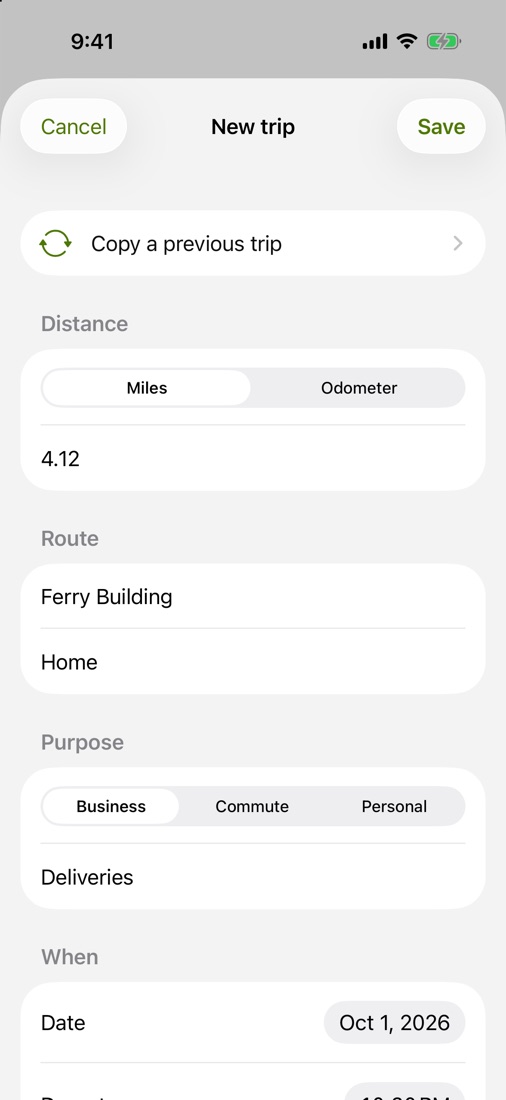
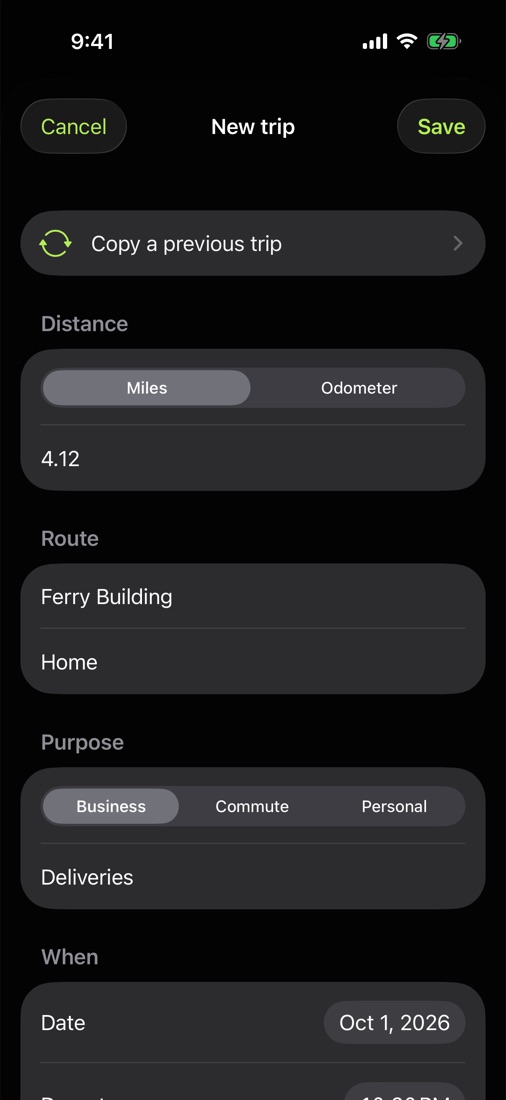
Add or copy a trip by hand
Forgot your phone? Enter the miles or the odometer, or copy a trip you repeat.
- Miles or odometer readings
- Copy a trip you repeat
- Works even without location access
- 06
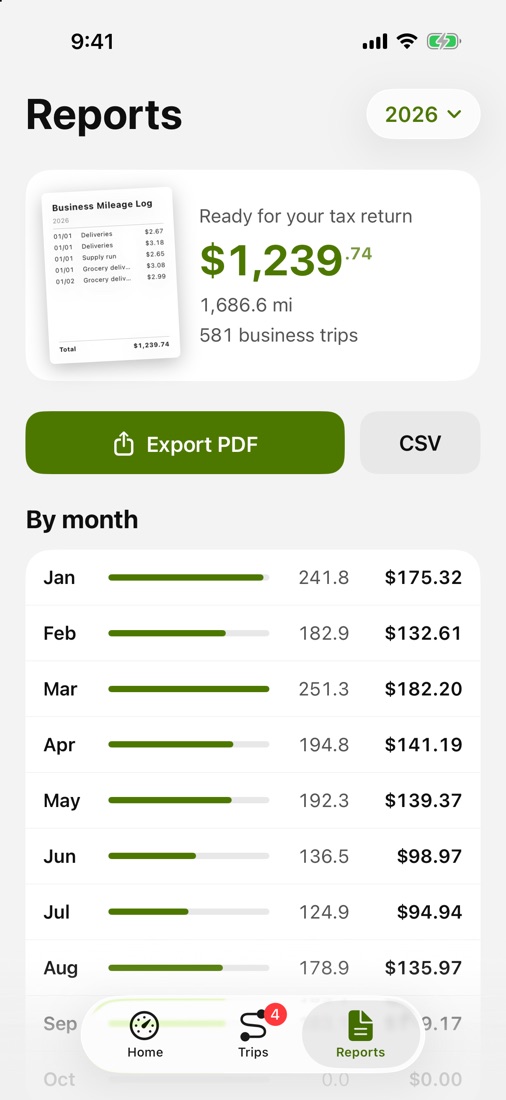
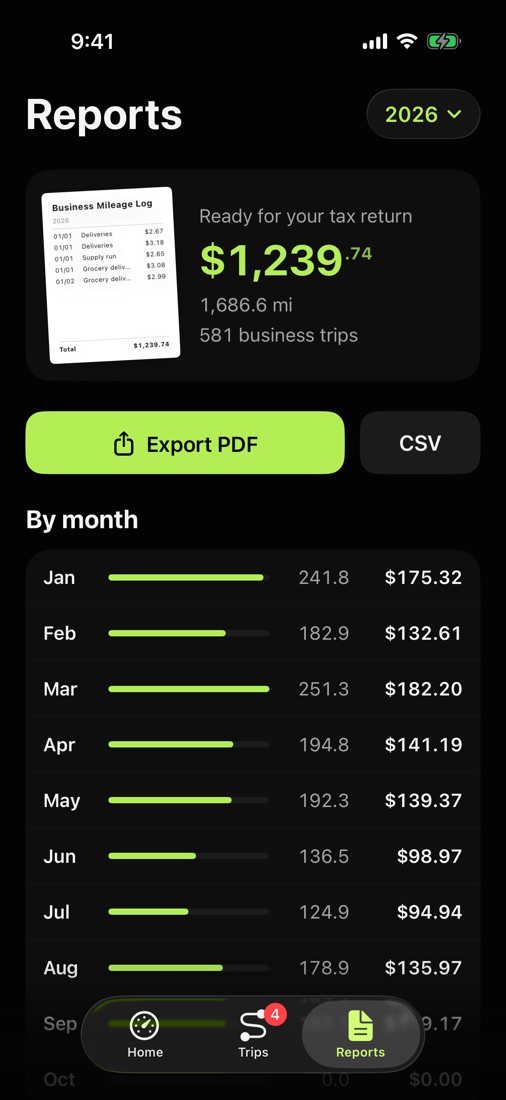
A report ready for your taxes
PDF and CSV with date, places, purpose and miles of every business trip, as IRS Publication 463 asks.
- PDF to keep, CSV for your spreadsheet
- Share it with your tax preparer in one tap
- Only business trips go in
- 07
Your trips, only yours
They live on your iPhone and in your private iCloud. No accounts, no ads, no tracking.
- No sign-up, no account
- Synced across your devices with iCloud
- Bring your trips from another app with a CSV or .xlsx file
Details
- Price
- One-time purchase
- Runs on
- iPhone, iOS 26 or later
- Languages
- English, Spanish
Does Tallymile drain my battery?
No. It waits for the motion sensor and only uses GPS while you drive.
Do I need an account?
No. There is no sign-up. Your trips stay on your iPhone and, if iCloud is on, in your private iCloud.
Can I bring my trips from another app?
Yes. Export a CSV or spreadsheet (.xlsx) file from the app you used before and open it with Tallymile. It recognizes the most common formats.
What if I don't allow location access?
You can add trips by hand with miles or odometer readings, or copy a previous trip.
Is this tax advice?
No. Deductions are estimates based on the IRS standard mileage rate. Check with a tax professional.
How do I get a refund?
Purchases are handled by Apple. Request a refund at reportaproblem.apple.com or from your purchase history in the App Store.
I have a new iPhone. Do I pay again?
No. Download Tallymile from the App Store with the same Apple Account at no charge. If iCloud is on, your trips come along.
How do I delete my data?
Delete any trip in the app, or delete the app to erase everything on your iPhone. Data in iCloud can be removed in Settings, then your name, then iCloud.
Tallymile is coming soon to the App Store.
Coming soon